
A year of bank statements.
One project.
Upload a client's whole year at once. CapyParse files the statements by month and shows what is missing before you start.
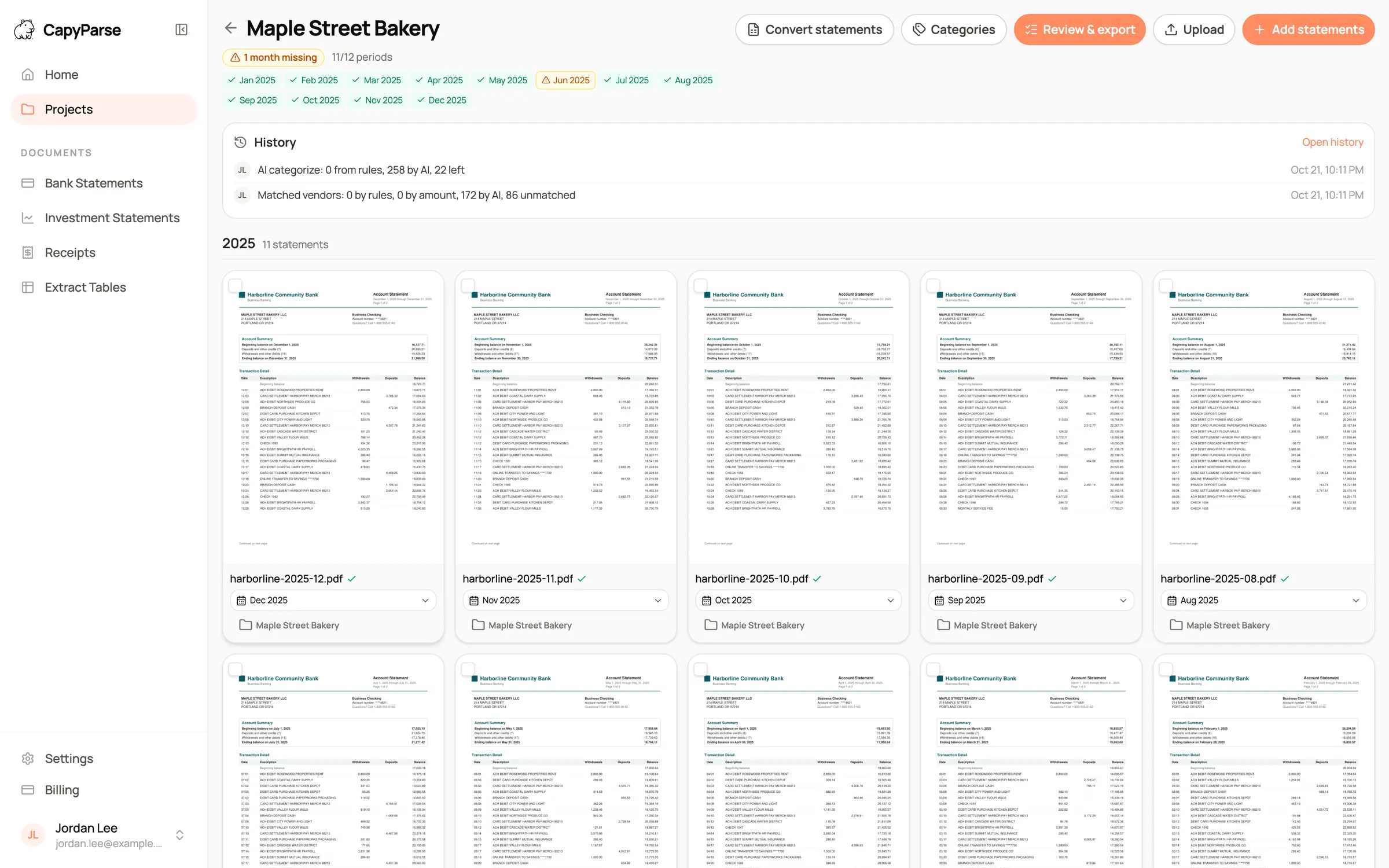
Shown with sample statements for a fictional business.
Built for the way statements arrive. In batches, out of order, and usually with a month missing.
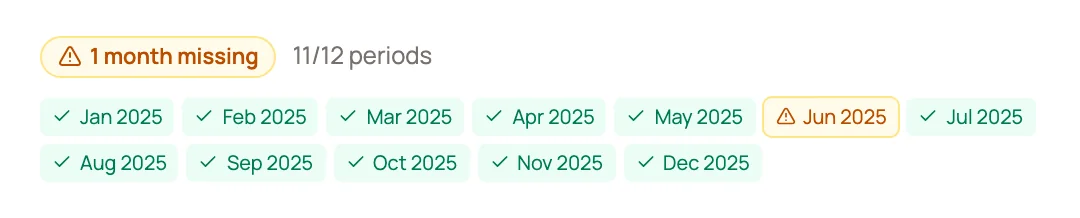
Missing months, caught early. The checklist marks a gap or a duplicate month the day the files arrive, not at year end.

The exact statement to ask for. The warning names the account and the month, so the request to your client is specific.
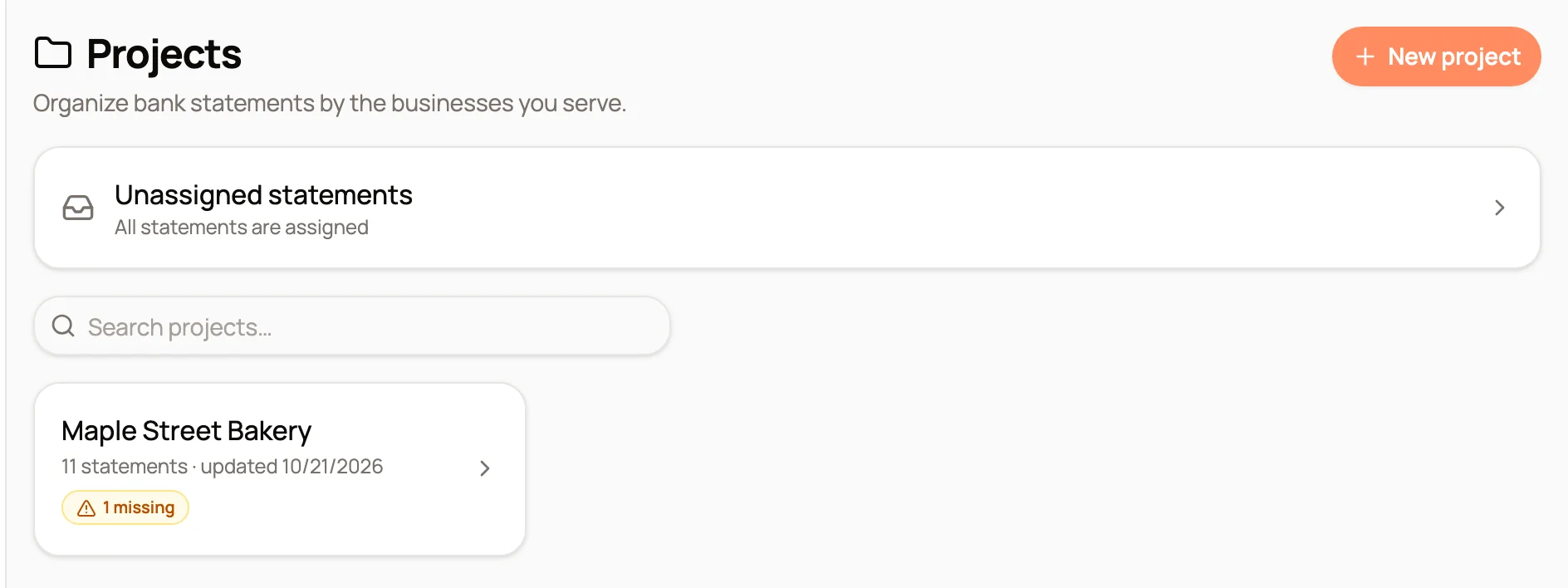
Every client at a glance. Each project shows its statement count and flags the clients with gaps.
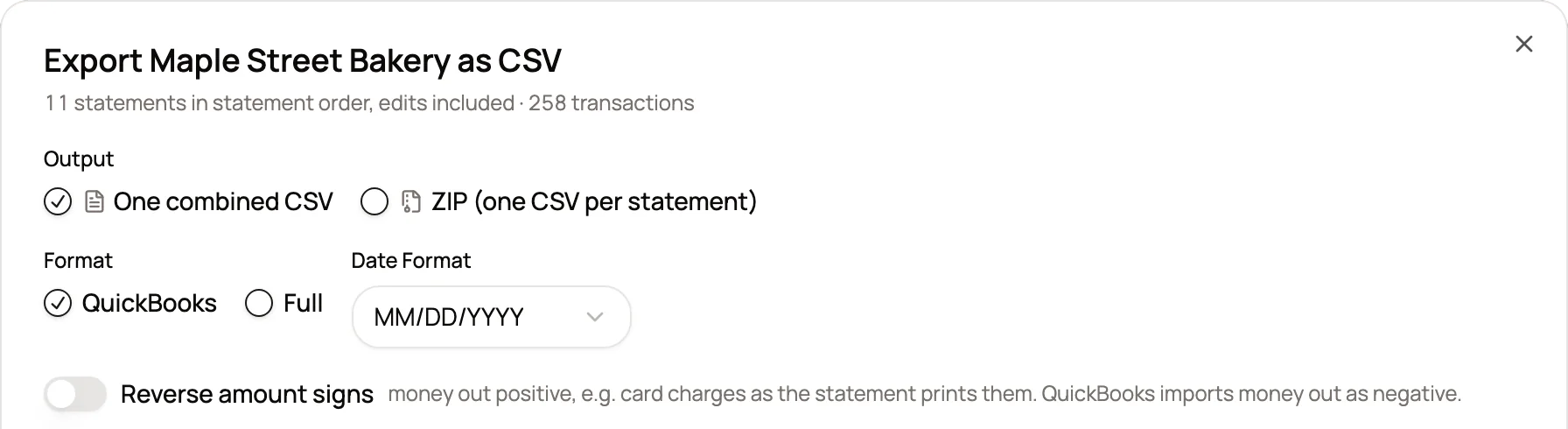
One file for the year. Export every statement together in month order, or as a ZIP with one CSV per statement.
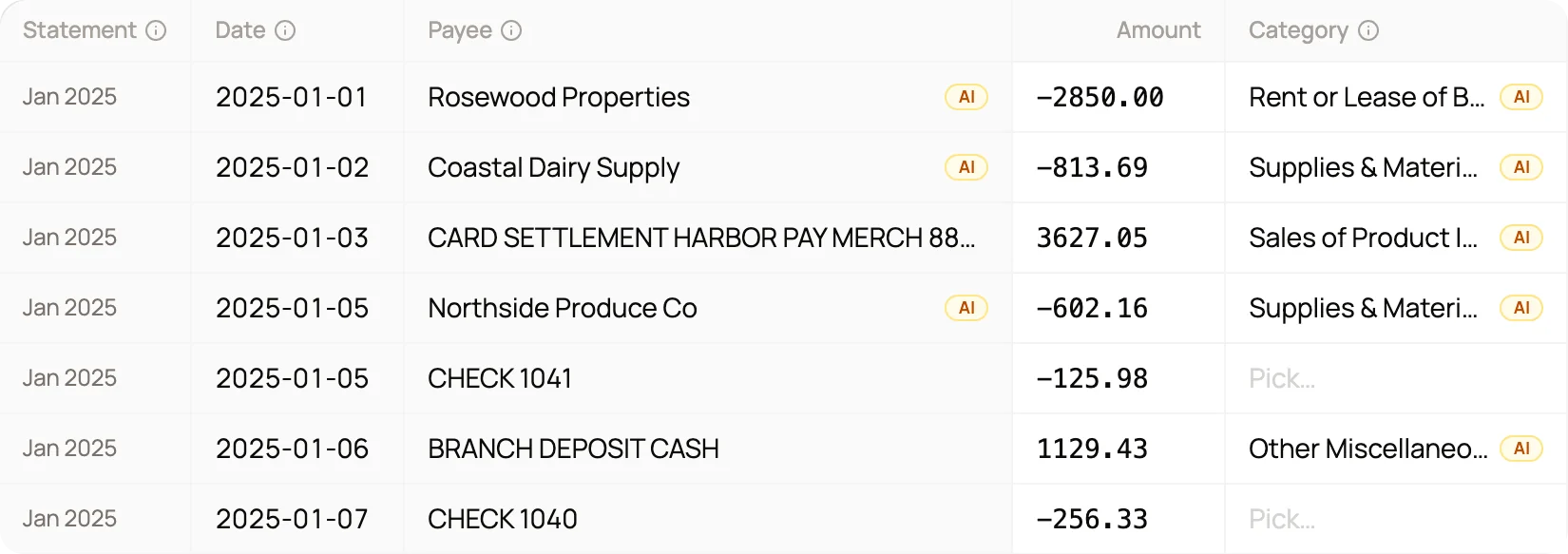
The whole year in one grid
All 258 transactions in the sample project open together, in statement order, with the month each one came from.
- Narrow to one statement in a click
- Edits saved to the project as you go
- The source line one click away
Made for a team
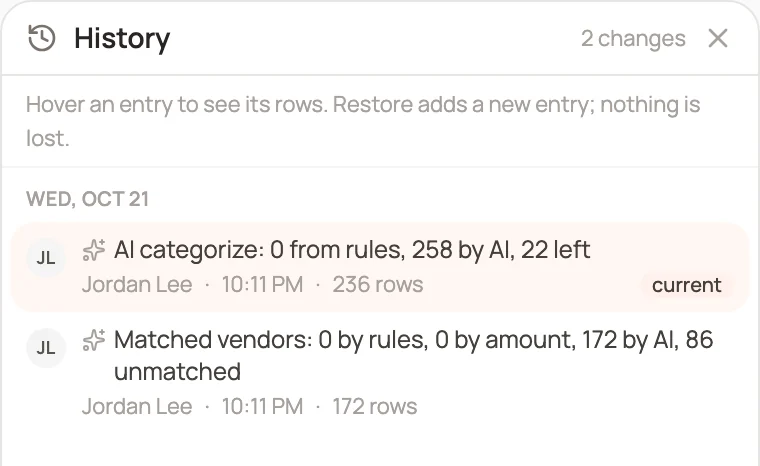
Projects belong to your team. One person edits at a time, and the history records who changed what.
- Take over editing with one click
- Every change attributed
- Restore any earlier point
Where projects fit. The jobs that arrive as a pile of PDFs.
A client is a year behind?
Upload the whole period at once and work through it as one job instead of twelve.
Filing season?
A missing statement shows up the day the files arrive, not the week of the deadline.
Monthly write-up?
Each new statement picks up the project's rules, so March is categorized the way January was.
New client?
Load last year's statements and ask the AI Assistant for the top payees before your first meeting.
What changes. The same job, before CapyParse and after.
Without CapyParse
With CapyParse
Twelve conversions merged by hand in Excel
One upload and one grid for the year
A missing month found at reconciliation
Missing months flagged on upload
Balances compared month to month by hand
Each closing balance checked against the next opening
No record of which PDF a row came from
Source file and month on every row
Questions
About projects in CapyParse.
Can I export a single statement from a project?
Yes. Pick a statement in the review screen and the CSV, Excel and QBO buttons export just that statement. Export all statements always covers the whole project.
What happens when a month is missing?
The month is marked on the checklist, and the review screen shows a warning with the account and the period. You can still export, so a known gap never blocks your work.
Can one project hold more than one account?
Yes. The checks run per account, and CSV exports list the source file, the account and the statement month on every row. A QBO file covers a single account, so export QBO one statement at a time when a project holds several accounts.
Does it work with scanned statements?
Yes. Digital PDFs, scanned PDFs and phone photos all convert, and the same balance checks run on every one of them.
Should I make one project per client or per account?
One per client usually works best. Put the checking account, the savings account and the credit card in the same project, and the balance checks and missing-month warnings run for each account on its own.
Can my team work on the same project?
Yes. Projects belong to your team, so anyone on it can open them. One person edits the review grid at a time, and the project history shows who changed what and when.
More from CapyParse
Try it on your own statements.
Your first 10 pages are free, with no card needed.